Cases Overview
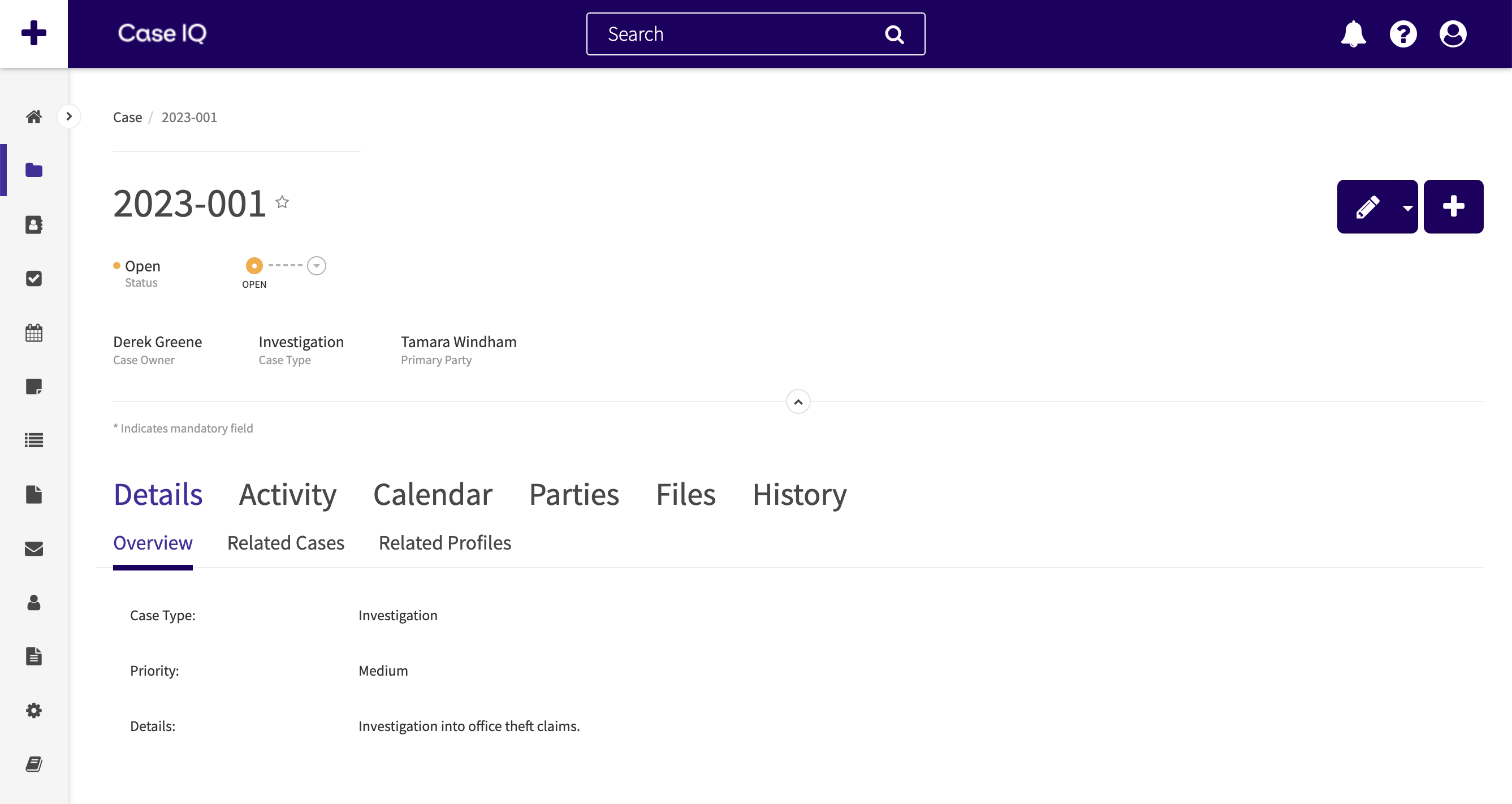
"Cases" are the main record type in Case IQ. You can keep track of all information about an event, incident, investigation, or complaint in a case. A case is like a file folder that you would use to organize multiple documents on a single topic. As you collect details on and evidence of an incident, you can organize this information in its case in your Case IQ application.

Cases can be added to your application in several ways, depending on the configuration of your application:
- Case IQ users can add cases directly in your application. Learn how to add a case in Add a Case In-Application.
- Your organization may have configured additional intake channels, including a hotline phone number or web portal. These methods allow people who do not have Case IQ accounts, such as customers or business partners, to report a concern to your organization for review.
When a case record is added using any of these methods, Case IQ creates a unique number to identify it in the system. All details of a case will be associated with the case number, including other record types linked to the case, such as parties, files, and notes.
Learn more about cases in the following articles: